
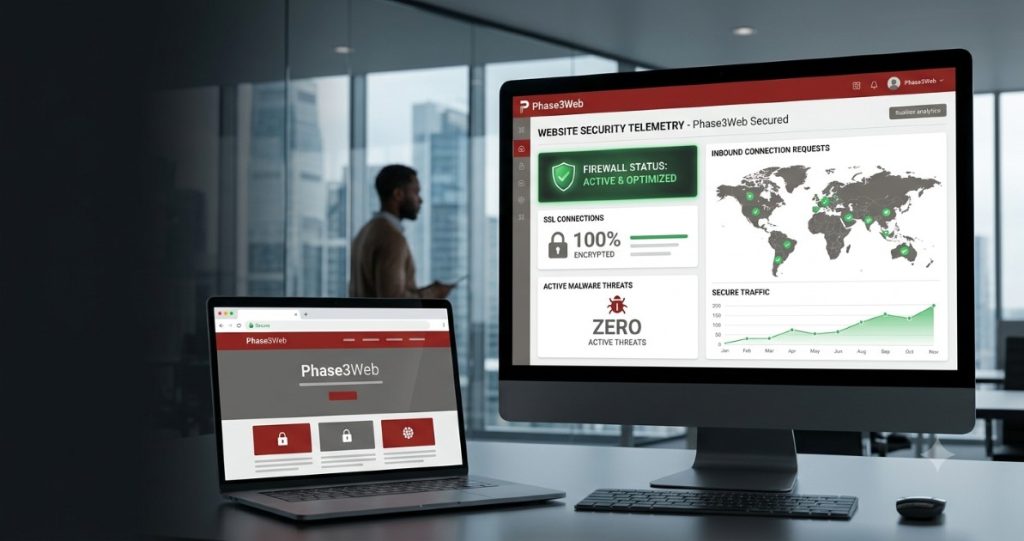
Understanding Website Security in Modern Business
Comprehensive website security is a fundamental business operational requirement. Every digital platform connected to the internet faces constant scan attempts, brute force attacks, and automated vulnerability probes. Protecting your web architecture ensures business continuity, preserves brand trust, and maintains search visibility on major search engines.
+-----------------------------------------------------------------------+
|                    APPLICATION LAYER (WAF / SSL)                      |
|          Filters malicious payload, encrypts data in transit          |
+-----------------------------------------------------------------------+
                                   │
                                   ▼
+-----------------------------------------------------------------------+
|                 SYSTEM & PLATFORM HARDENING (CMS)                      |
|       Role-Based Access Control, 2FA, Core/Plugin Updates             |
+-----------------------------------------------------------------------+
                                   │
                                   ▼
+-----------------------------------------------------------------------+
|                 DATABASE & FILE INTEGRITY LAYER                       |
|         Database Encryption, Automated Offsite Backups                |
+-----------------------------------------------------------------------+
The Business Impact of Unsecured Websites
When digital platforms lack proper website security, the financial and operational fallout can be immediate. Security breaches result in downtime, unauthorized data exposure, blacklisting by search engines, and loss of customer confidence.
Establishing a secure website is essential for acquiring and retaining clients online. Visitors expect their personal information and payment transactions to remain completely safe.
7 Dangerous Cyber Threats Targeting Business Websites
Understanding vector entry points allows organisations to build targeted defenses. Here are seven major threats facing unmonitored digital platforms today:
1. Cross-Site Scripting (XSS)
XSS attacks inject malicious code into trusted web pages, allowing attackers to hijack user sessions, steal cookies, or redirect visitors to malicious domains.
2. SQL Injection (SQLi)
SQLi occurs when unvalidated database queries execute arbitrary database code, giving attackers unauthorized access to sensitive customer databases.
3. Cross-Site Request Forgery (CSRF)
CSRF forces authenticated users to execute unintended actions on administrative web applications, leading to unauthorized configuration changes.
4. Malicious Code and Malware Attacks
Automated malware payloads search for outdated plugins to install backdoors, run unauthorized ad scripts, or harvest stored user credentials. Routine malware protection scans prevent deep system infections.
5. Brute Force Credential Attacks
Automated botnets attempt thousands of username and password combinations every minute to gain administrative access. Enforcing strong password policies and multi-factor authentication mitigates this risk.
6. Distributed Denial of Service (DDoS)
DDoS attacks flood servers with fake traffic to overwhelm CPU and bandwidth limits, taking services offline. Utilizing a high-performance website firewall helps filter bad traffic at the network edge.
7. Insecure Direct Object References (IDOR)
IDOR vulnerabilities occur when internal system objects are exposed to users without proper authorization checks, leading to data leaks.
Comparing Security Approaches: Reactive vs. Proactive Protection
+--------------------------+----------------------------+----------------------------+
| Feature / Protocol       | Reactive Security Model    | Proactive Hardening Model  |
+--------------------------+----------------------------+----------------------------+
| Incident Handling        | Fixes issues after a breach| Prevents breaches early    |
| System Monitoring        | None or manual review      | Real-time threat detection |
| Financial Risk           | High emergency repair costs| Predictable maintenance    |
| Search Engine Status     | High risk of blacklisting  | Maintains search ranking   |
| Business Continuity      | Extended operational downtime| Near-zero interruption     |
+--------------------------+----------------------------+----------------------------+
Core Pillars of an Effective Website Security Audit
Conducting a periodic website security audit ensures that hidden vulnerabilities are addressed before bad actors exploit them.
1. Transport Layer Security (TLS/SSL)
An SSL certificate is mandatory for all websites. It encrypts communication between the client’s web browser and the origin server, securing data transfers and establishing an HTTPS website. The open technical standards documented by W3C underscore encryption as a baseline requirement for web safety.
2. Edge-Level Firewalling
Deploying a website firewall blocks malicious IP addresses, rate-limits bad bots, and prevents application-layer attacks before requests reach host web servers.
3. Isolated Automated Backups
Maintaining an isolated website backup schedule ensures fast operational recovery if files are corrupted or compromised. Backups should always be encrypted and stored separately from the primary host server.
Step-by-Step Checklist for WordPress Security Hardening
For businesses running WordPress security environments, hardening the CMS requires configuring specific administrative settings:
-
Enforce Two-Factor Authentication (2FA): Mandate 2FA for all administrative accounts to stop brute force attempts.
-
Implement Least Privilege User Roles: Limit administrative roles strictly to team members who require system access.
-
Disable File Editing via Dashboard: Set
DISALLOW_FILE_EDITtotrueinwp-config.phpto prevent code execution via compromised accounts. -
Change Default Database Prefixes: Replace the standard
wp_prefix to make automated database injection scripts ineffective. -
Enforce Strict SSL Protocol Policies: Ensure HTTP requests permanently redirect to HTTPS with HTTP Strict Transport Security (HSTS) headers.
-
Schedule Daily Offsite Backups: Maintain automated, redundant backups in isolated cloud storage.
-
Maintain Update Schedules: Update plugins, themes, and core application engines promptly. Review guidelines on Google Search Central to understand how security issues affect indexability.
Pro Tip: Never use default administrative usernames like
admin. Renaming the main administrative account and restricting login page access to specific IP addresses blocks over 90% of automated credential attacks.
Common Security Mistakes Businesses Make
Organizations frequently overlook essential maintenance, exposing their platforms to avoidable risks:
-
Neglecting System Updates: Postponing CMS core updates leaves published security vulnerabilities unpatched.
-
Storing Backups on the Web Server: Placing backup archives in public root directories allows unauthorized file downloads.
-
Relying Solely on Plugins: Hardening requires server-level rules, access controls, and firewall policies — not just plugins. Check security guidelines from OWASP for details on secure coding and configuration.
-
Ignoring Database Hardening: Leaving database ports open directly to public networks exposes raw data to interception.
Frequently Asked Questions (FAQs)
What is the primary objective of website security?
The primary goal of website security is to preserve data confidentiality, maintain system integrity, ensure asset availability, and protect users from malicious online threats.
Why is an SSL certificate essential for my business website?
An SSL certificate encrypts sensitive data sent between users and your website. It establishes an HTTPS website, builds visitor trust, satisfies regulatory requirements, and protects search rankings.
How often should a business run a website security audit?
Businesses should conduct a thorough website security audit quarterly, or immediately after major software updates, server migrations, or structural site changes.
Can a Web Application Firewall (WAF) stop all malware attacks?
A WAF blocks malicious traffic at the network edge, but total malware protection also requires secure coding practices, strong password policies, server hardening, and regular updates.
What should I do immediately if my website is hacked?
Immediately isolate the server, change administrative credentials, inspect access logs, restore from a verified offsite website backup, and conduct a thorough security assessment before bringing the site back online.
Conclusion & Next Steps
Implementing comprehensive website security protects your digital assets, safeguards your search rankings, and maintains customer trust. A proactive approach to threat detection and platform maintenance prevents costly downtime and security breaches.
Ready to secure your digital presence? Partner with Phase3Web for expert guidance. Explore our specialized Website Security services, learn more about our experienced team of Digital Growth Consultants, inspect our successful projects in our Web Development Portfolio, read helpful tips on our Website Design and SEO Blog, or Hire Web Developers today for a security assessment tailored to your business goals.